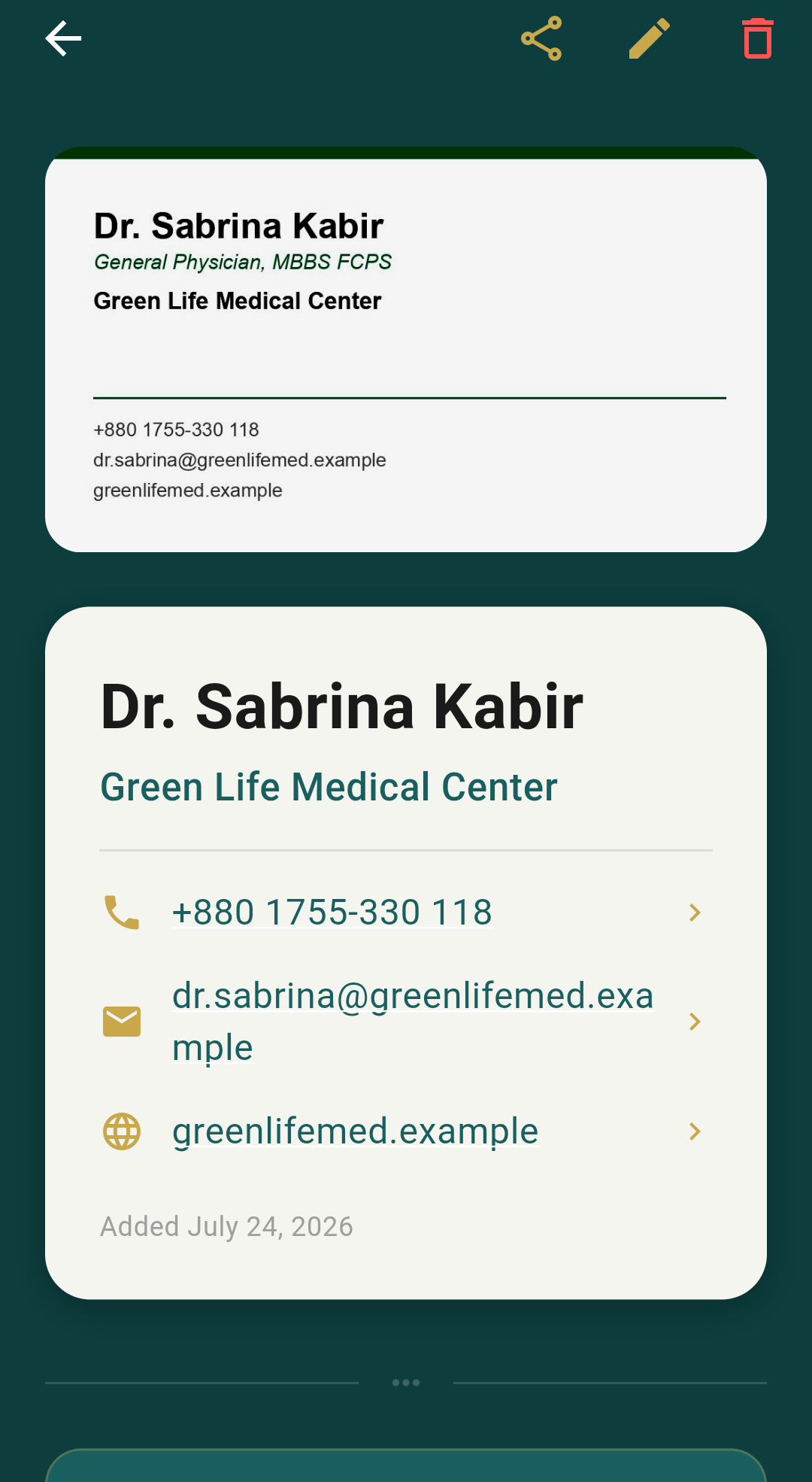
Scan a business card and it's in your contacts and in the cloud in seconds — organised like a card holder, backed up free, and there the day your phone isn't.
Free to start · 30 cards free, then $1/month · No ads, ever

Smart edge detection frames it and straightens it automatically — no fiddling.
Name, company, phone, email and website are read straight off the card with on-device OCR.
Added to your phone's contacts and backed up to the cloud, synced to every device you sign into.
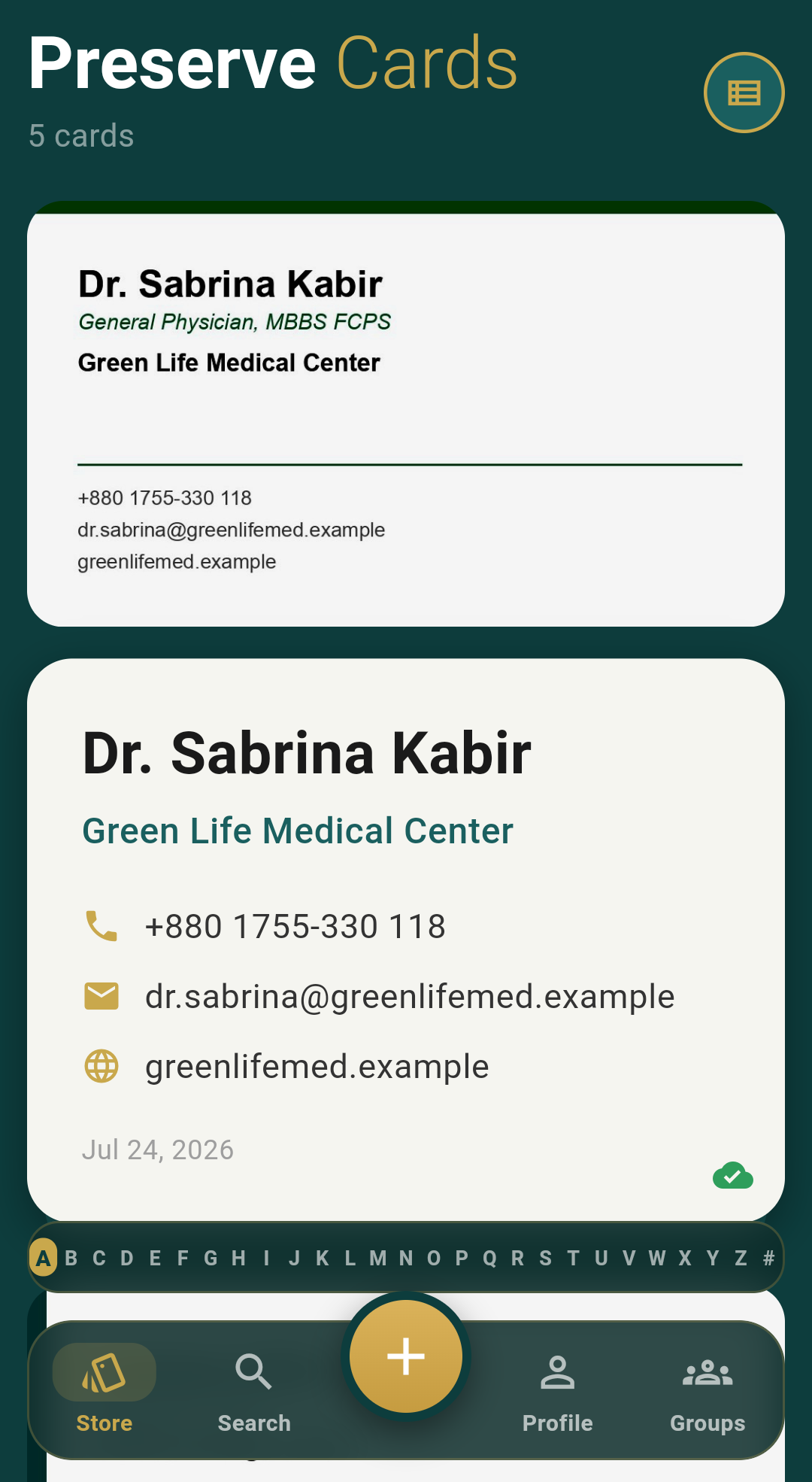
Cards stack and fan the way real ones do in your hand — jump straight to a letter, search by name or company, and tag cards into groups. It feels like a card holder, because that's what it is.
"5 cards" today. Room for thousands, organised the same way.

Tag cards into groups — clients, vendors, whoever you need — add a note so every contact keeps its context, and find anyone in seconds.
Every card you save is added to your phone's address book automatically. Scan once, call from anywhere — no app required to reach them.
Sign in with Google and your whole card book — photos included — is backed up free. New phone, same deck, exactly where you left it.
Backup and sync are free on both plans — most competitors paywall that alone.
Most people stay free. That's fine.
Cancel any time from the app.
For comparison: CamCard is around $9.99/month, Covve starts near $12, ABBYY from $16. No ads on either Preserve Cards plan.
Preserve Cards started as a drawer full of business cards I kept meaning to do something with, and a phone upgrade that nearly lost them for good. It's built and run by one person — me — alongside Reemak Engineering. If something's broken or missing, an email actually reaches me.
— Sakib, Reemak Engineering · [email protected]
Yes. Scanning, OCR, cloud backup and sync are free for your first 30 cards, no trial timer and no ads. Pro removes the card limit and adds CSV export for $1/month.
No — scanning, the deck, groups, notes, search and contact sync all work fully signed out. Signing in with Google only adds cloud backup, so your cards survive a lost or upgraded phone.
Scanned cards stay on your device unless you sign in, at which point they're backed up to your own private cloud space. Contacts sync is on-device only and is never uploaded. Full detail is in the privacy policy.
Not yet — Preserve Cards is Android-only for now, with iOS coming.
Yes. Pro includes a full CSV export of your card book at any time, and you can delete your account and all its data from inside the app whenever you want.